
 Barça
Barça Peñarol
 Inter Miami
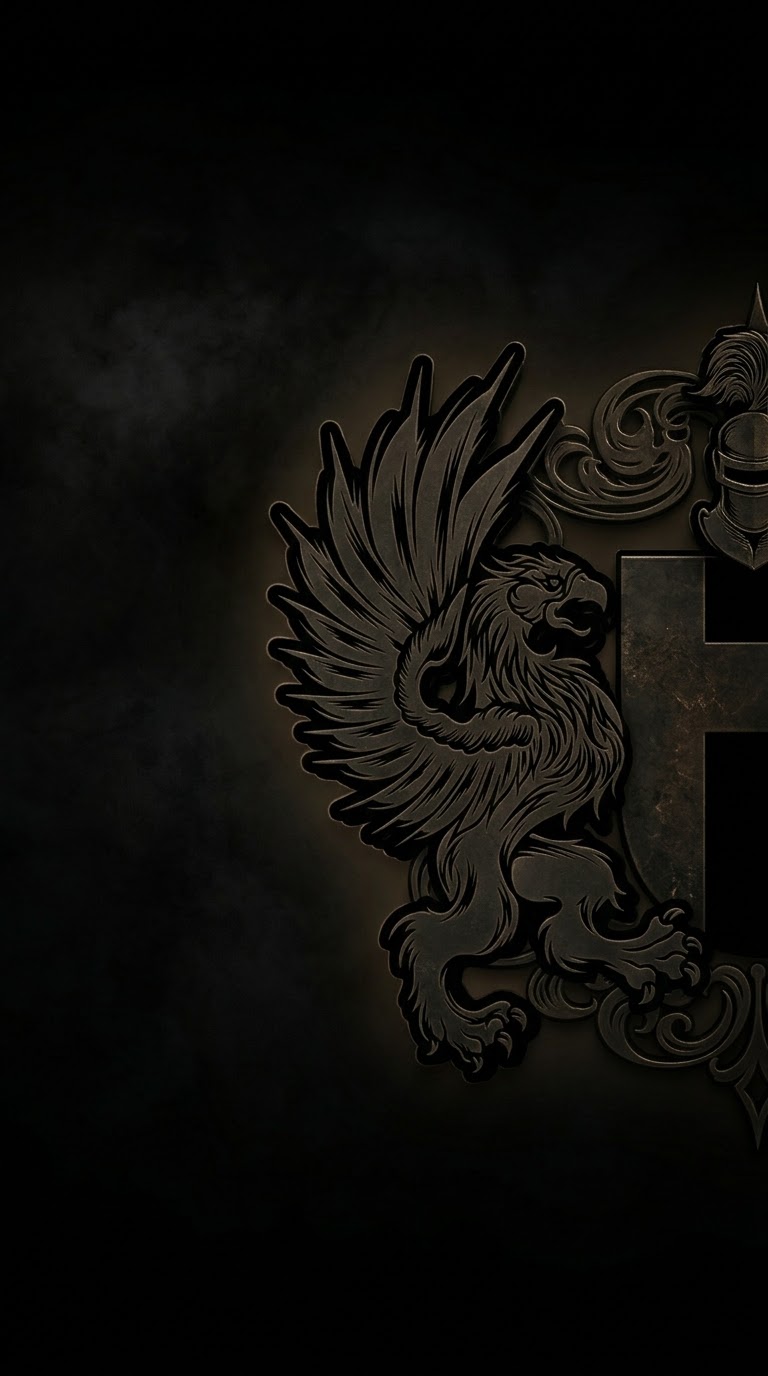
The crest of Mandatum now has a place on your screen. We are offering two official wallpapers of the Order, one made for phones and one for computers, free to download and use.
Download
For phones: iPhone and Android
For computers: Windows, Mac and Linux
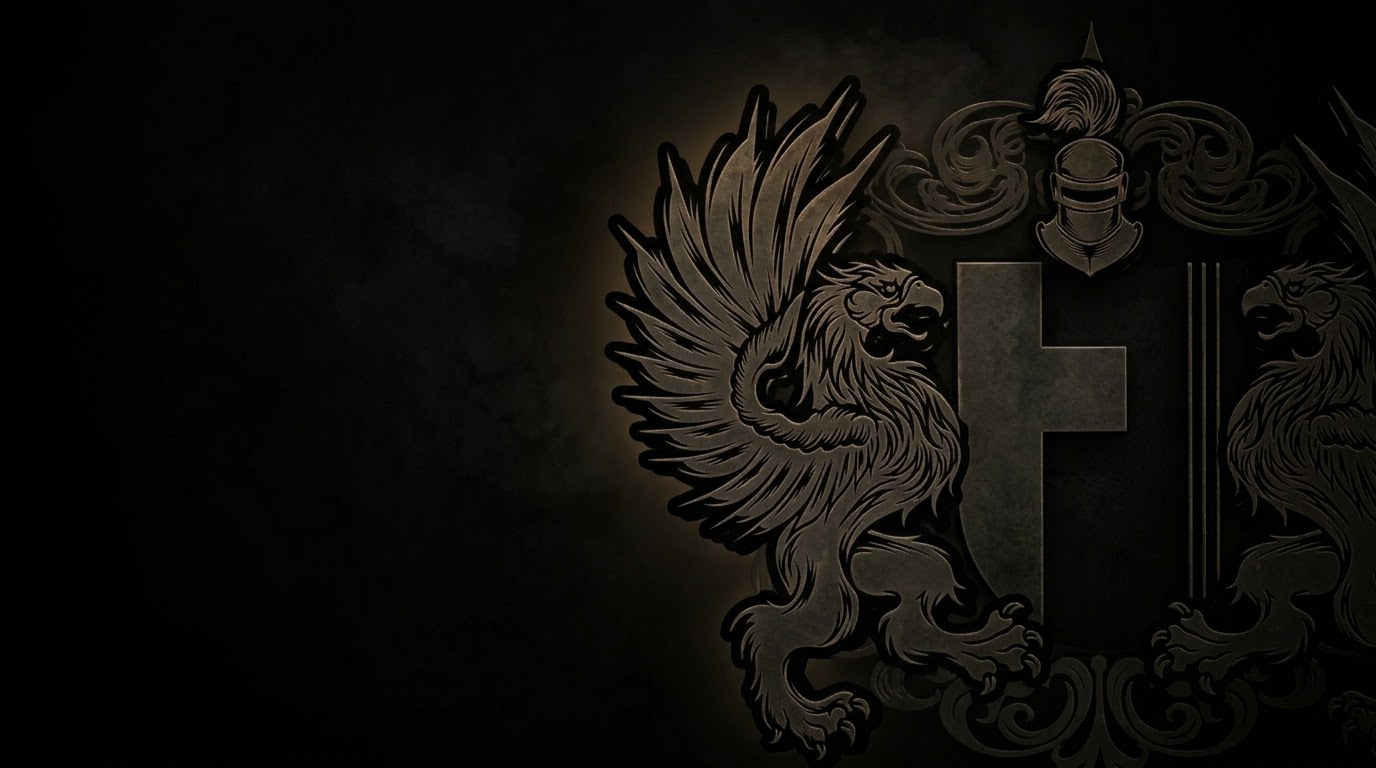
Download the desktop wallpaper
If the download button only opens the image, press and hold it (phone) or right-click it (computer) and choose to save the image.
How to set it as your wallpaper
iPhone and iPad (iOS)
- Download the phone wallpaper and open it from the Photos app.
- Tap the Share button, then choose Use as Wallpaper.
- Move and zoom the image if you wish, then tap Add and choose Set as Wallpaper Pair (or customize the Home Screen).
Android
- Download the phone wallpaper, then open it in the Gallery or Google Photos app.
- Tap the three-dot menu and choose Set as wallpaper (on some phones: Use as, then Wallpaper).
- Choose Home screen, Lock screen or both, and confirm.
Windows 10 and 11
- Download the desktop wallpaper.
- Right-click the file and choose Set as desktop background.
- Or open Settings, Personalization, Background, choose Picture, click Browse photos and select the file. Set the fit to Fill.
macOS
- Download the desktop wallpaper.
- Open System Settings, Wallpaper, click Add Photo (or Add Folder or Album) and select the file.
- Or right-click the file in Finder and choose Set Desktop Picture.
Linux
- Download the desktop wallpaper.
- GNOME (Ubuntu, Fedora): right-click the file and choose Set as Wallpaper, or open Settings, Background and add the picture.
- KDE Plasma: right-click the desktop, choose Configure Desktop and Wallpaper, and add the image.
- Other environments: look for the Appearance or Background settings, or use a tool such as
feh.
Carry the crest with you.